
Protecting Your Passwords
Passwords are the keys to most websites and applications we use daily. Login credentials protect the personal data you store, so why not ensure they’re sturdy enough to hold off attackers?
Creating a Secure Password
Use unique passwords for each website and change them regularly. For best results, construct long passwords with multiple uppercase and lowercase letters, numbers and special characters. Don’t use personal information such as your street address, name, birthday or that of family members — these can be too easy to guess. Phrases like “123456,” “qwerty” and “password” are consistently among the top five most used passwords.
If creating unique passwords is challenging, try using a password generator to create something new and secure. You can also check the strength of your passwords through some generators.
The Impact of Being Hacked
Hackers are typically after your passwords for financial gain, but can expand to espionage and political purposes. Your passwords protect sellable, usable personal information such as your phone number, email, home address and identification (e.g. driver’s license, social security number or credit cards). There are multiple reasons your information can be leaked, including the following:
Account Takeovers: Stolen passwords can be used to take control of your accounts for false posting or advertisement, or accessing your friends list for monetary gain. Hacked emails can lead to your address being used for phishing schemes, which often use your contact list as primary targets.
Black Market Sales: Your data and passwords can be sold for many purposes, all of which can negatively affect your life, including your finances, credit scores and credibility.
Doxing: This happens when a hacker posts your personal information online, typically to damage your reputation or expose you to physical and verbal threats.
Identity Theft: Hackers may use your personal information to open credit cards or take out loans, leaving you to pay off the debt and ruining your credit score. These damages can last for years.
Intercepting Taxes: By filing taxes under your name or SSN and taking your return, hackers can put you in a difficult situation with the IRS. You could face fines, repayment and even jail time.
Common Hacking Methods
How is your information accessed? The following are some of the most common ways that your information could be compromised:
Data breaches: When popular online services are hacked, millions of records are leaked and transferred into another database for criminal use. Small sites may also be targeted for poor security.
Credential Stuffing: When information is leaked, it’s fed to bots that automatically test every username and password combination within the stolen data. This test is run across multiple websites to attempt login.
Password Spraying: If a username or email address is already known, a hacker might once again use software for bots to test any known or popular passwords in combination with these found credentials.
Phishing: You may have encountered suspicious emails you receive from vaguely familiar or seemingly branded addresses. These could be hacked or illegitimate email addresses attempting to phish. Never click on any links, files or imagery without checking up on external messages.
To avoid hackers, avoid entering passwords on public or shared computers. Public Wi-Fi can also pose a risk, but using a VPN can encrypt internet traffic and deter hacking. Multi-factor authentication (MFA) also adds an extra layer of security by requiring verification from personal devices.
How to Safely Store Passwords
Passwords can be difficult to remember, and retrieval or reset is a hassle. Having a secure catalog of your information can keep credentials secure. Many people tend to write their passwords down physically, which works well. However, if not well hidden, this information can still be at risk. For more security, look into password management technology.
Some internet browsers provide a password management feature. These are free and convenient resources, providing easy access to your information. In addition, all of these browsers have password-generating capabilities to suggest stronger passwords if you need assistance.
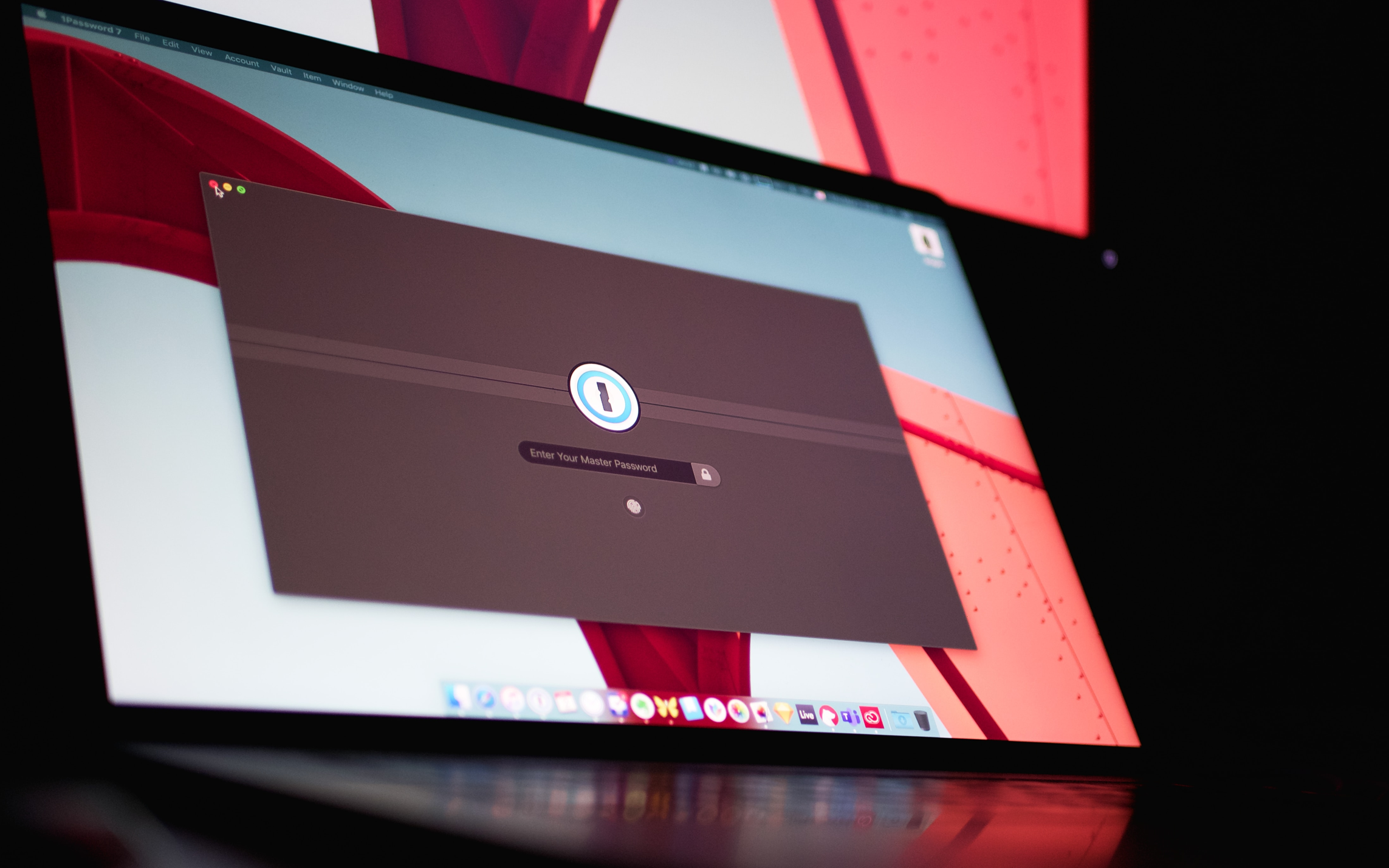
Reputable password management applications are the safest bet for storage, and they often come equipped with better password-generating technology than most browsers. 1Password and OneDrive offer a free plan for single users and a paid plan for businesses. Having a password management application that allows shared passwords for company accounts is worth looking into, especially when multiple staff members need access to shared accounts.
2 Tips for Your Next Password
When we talk tech, we like to hear what our experts have to say. Caleb Duncan, Liftoff’s engineering manager, has some words of wisdom on password security:
Password security can be frustrating, especially when websites require specific complexities that make them nearly impossible to remember — but these rules make it harder for bad actors to access your systems and data.
Fortunately, certain tools and patterns exist to make things easier for us humans. Here are two things to keep in mind:
- Length Matters: Many sites focus too much on the complexity, but without length, most passwords are still easy to crack. This comic from xkcd sheds light on this problem. Picking four random and unrelated words is far easier to remember than a short series of special characters.
- Use Distinct Passwords on Each Site: If you’re using the same password for your bank and any other site, stop reading this and change it right away! Once bad actors crack a password, the first thing they do is try it on other popular sites.
By Alyssa Alford and Caleb Duncan